Quick answer: Plan a screen-free—or simply lower-screen—weekend around four anchors: one outside or movement block, one household reset, one quiet choice, and one connection point. Decide screen windows before Saturday, prepare two low-effort backup activities, and leave open space. The goal is to keep devices from becoming the automatic answer, not to schedule children all day.
Friday night optimism often produces a Saturday list that requires perfect weather, adult energy, and children who agree on everything. By lunch, the craft needs supplies, the outing starts late, and handing over a device becomes the only plan that does not need setup.
A workable weekend planner begins with adult capacity and ordinary household needs.
Choose what “screen-free” means for this weekend
Families use the phrase in different ways. Pick one version before the weekend starts:
- No recreational screens: devices remain available only for essential communication or accessibility needs.
- Screen-free blocks: meals, morning, an outing, and bedtime are protected, with one planned media window.
- One shared screen: the family chooses a movie or game together instead of individual device use.
- Lower-screen experiment: compare the usual weekend with a smaller, defined amount.
The American Academy of Pediatrics recommends creating a family media plan that fits the family’s routines and values, including screen-free times or places and non-screen alternatives. A clear, realistic definition prevents “screen-free” from changing whenever the day becomes inconvenient.
Start with the family’s capacity
Choose the weekend’s adult-energy level:
- Low: home meals, neighborhood movement, library basket, simple reset.
- Medium: one local outing, a household project, and quiet time.
- High: a longer outing or hosted activity, followed by a deliberately easy block.
Do not plan a high-energy weekend because the children appear restless on Friday. Consider work recovery, weather, transport, health, budget, and the amount of cleanup an activity creates.
Use four anchors instead of an hourly schedule
1. Move or go outside
Choose something with a low starting barrier: a walk with a collection prompt, playground visit, scooter loop, dance playlist, or indoor movement game. Write a weather substitute beside it.
2. Reset one shared area
Pick a finishable household task—clear the table, reset the entryway, fold one laundry load, or prepare Monday bags. Assign each person one visible action rather than calling the whole family to “clean up.”
3. Protect a quiet block
Offer reading, audiobooks, building, drawing, puzzles, or rest. Young children may need an adult nearby and a shorter starting time. Quiet time is a rhythm, not a punishment for being loud.
4. Include one connection point
Use a meal, board game, walk, music session, or bedtime reading. Connection does not have to become a special event or photo opportunity.
A realistic Saturday plan
This sample uses sequence rather than exact times:
- Morning start: breakfast, dress, and choose the outside plan.
- Movement: neighborhood walk with a five-item color hunt.
- Home landing: snack and twenty minutes of free play.
- Family reset: shoes, laundry, and lunch preparation.
- Quiet block: library books, audio, or building.
- Open afternoon: a friend, errand, garden, or nothing scheduled.
- Evening connection: simple dinner and one family choice.
If the family includes a planned screen window, place it on the page with a start, finish, and next step. The screen-time transition plan explains how to set that handoff before the device turns on.
A Sunday plan that protects Monday
Sunday does not need to compensate for an imperfect Saturday. Use three smaller jobs:
- Restore: rest, outdoor time, or a quiet family activity.
- Reset: finish one room or laundry cycle rather than cleaning the entire house.
- Launch: check calendars, bags, clothing, and one food need for Monday.
For a larger paper-and-belongings problem, connect the launch to a family command center. Keep the child’s weekend page free of adult scheduling work.
Create a backup menu before boredom arrives
Make a small menu grouped by what the child can start:
| Needs no adult setup | Needs five minutes of help | Needs adult participation |
|---|---|---|
| Books, blocks, drawing, music | Water tray, blanket fort, simple baking setup | Walk, board game, repair project |
| Puzzle, dolls, toy cars | Scavenger list, recycled craft box | Library, playground, family sport |
Remove choices that are not available that day. A menu containing six adult-led projects does not help while the adult is cooking or resting. The screen-free boredom guide offers more prompts, while the rainy-day guide provides indoor alternatives.
Respond to “I’m bored” without becoming the activity director
Try a short sequence:
- Acknowledge: “You were expecting the tablet, and the morning block is screen-free.”
- Point to two available categories: “Choose move or make.”
- Help with the first physical step if needed: put paper on the table or open the back door.
- Allow a pause without immediately presenting another option.
Boredom is not an emergency, but independent play is also not automatic for every child. Some children need a shorter list, a familiar starting action, an adult nearby, or a visual now-next cue.
Make the media rule apply to adults too
Adults may need phones for navigation, work, caregiving, accessibility, or communication. State those exceptions honestly. Protect a few shared places—such as the table or family walk—where adults also put recreational scrolling away.
The AAP’s 2026 explanation of helping children thrive in a digital world asks families to consider what media crowds out, including sleep, exercise, reading, play, and family time. Use that question to plan what the weekend makes room for rather than treating screens as a character test.
What to do when the plan breaks
Weather cancels the outing. Use the written substitute and keep the other anchors. Do not replace every block.
The adult has no energy. Downgrade the plan: neighborhood movement, food already in the house, and a longer quiet block.
Children want different things. Protect one shared anchor and allow separate quiet or play choices.
A screen is used earlier than planned. End it with the agreed transition and continue the day. Do not abandon the whole weekend.
The planner feels crowded. Remove activities until the open space is visible. A weekend is not a productivity challenge.
Monday preparation takes over Sunday. Limit the launch block and leave adult tasks on an adult list.
Optional printable planner
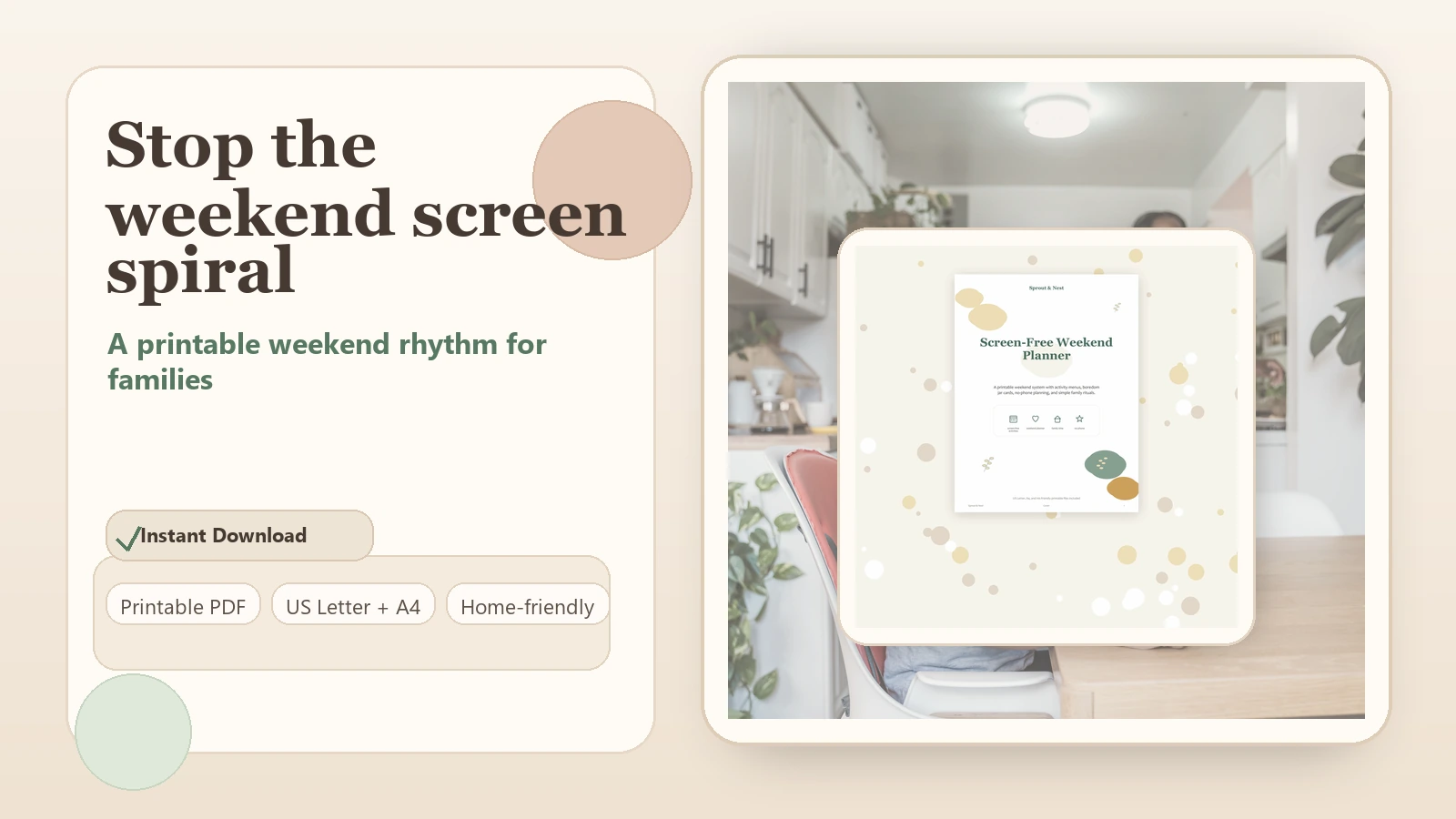
Test four handwritten anchors for one weekend. If the family uses them, the Screen-Free Weekend Planner can provide a reusable layout. For children who need a visual sequence rather than a family overview, adapt a few cards from the ADHD-friendly routine guide.
Frequently asked questions
Does a screen-free weekend have to ban every device?
No. Define the experiment your family can follow: no recreational screens, protected blocks, one shared screen, or a lower-screen weekend. Essential and accessibility use may remain.
How many activities should I plan?
Plan four anchors and two low-effort backups. Leave room for free play, changing energy, weather, and ordinary household life.
What if my child cannot play independently?
Begin with a familiar activity beside an adult for a short period. Reduce choices and show a clear finish. Independence can be practiced in small steps.
Should children earn screen time with chores?
Families set media and contribution rules differently. Keep expectations understandable and avoid turning every household responsibility into a device transaction. A planned screen window may be simpler.