Quick answer: A family command center needs only four functions: show the next seven days, capture incoming papers, assign work to a named person, and prepare the next departure. Put it where information enters the home. Start with a weekly calendar, one inbox, one action tray, and a short launch list; add nothing until those pieces are used.
The kitchen counter is not messy because the family lacks labels. It is doing four jobs at once: receiving mail, holding school papers, reminding someone about an appointment, and storing objects that must leave again tomorrow.
A useful command center separates those jobs and gives each one a finish.
Choose the location by traffic, not appearance
Watch where bags and papers naturally land for three days. The best location is close to that path and visible during an existing routine. Common options include the entryway, a kitchen wall, the side of a refrigerator, or a small desk near the door.
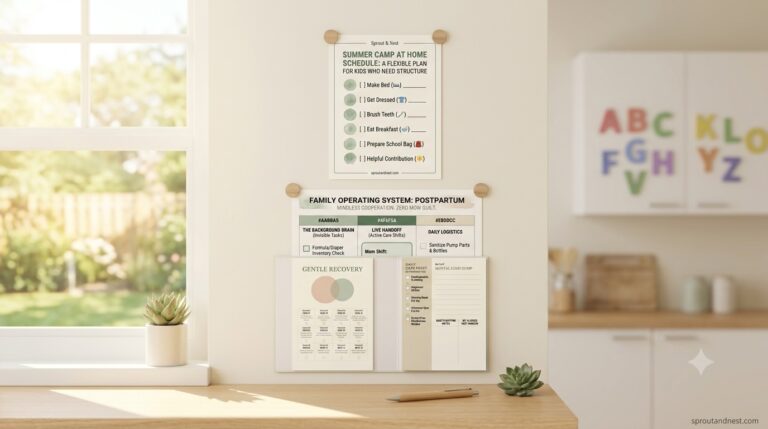
A closed binder may work for records but not for reminders nobody opens. A large wall may look organized but fail if the family never passes it. Use the smallest surface that can hold the current week and receive paper.
Build four zones
1. This week
Show appointments, school events, work constraints, activities, and transport ownership for seven days. Use names or initials beside each pickup, appointment, or deadline. “Soccer 5:30” is incomplete if nobody knows who drives.
2. Inbox
Give every new paper one landing tray. Do not sort at the doorway. Permission slips, mail, receipts, and appointment cards enter here until the next review.
3. Action
Move papers that require a signature, payment, call, return, or decision into a smaller action tray. Write the owner and due date on a sticky note or the weekly page.
4. Launch
Use hooks, baskets, or a list for objects leaving soon: backpacks, library books, forms, keys, sports gear, and returns. The launch zone holds departures, not long-term storage.
Use one weekly review and one short midweek check
The CDC’s guidance on routines and structure emphasizes consistency, predictability, and follow-through. Apply that principle to the system with two repeatable reviews:
- Weekly review: empty the inbox, confirm the calendar, assign actions, and prepare known departures.
- Midweek check: remove completed papers and look only for changes before the weekend.
A daily fifteen-minute administrative ritual is unnecessary if the household will not maintain it. Tie the review to an existing anchor such as Sunday dinner cleanup.
A twenty-minute setup
- Choose the natural paper landing point.
- Place one container labeled Inbox.
- Add one smaller folder labeled Action.
- Post a seven-day calendar beside them.
- Create one launch basket or hook row.
- Schedule the first weekly review.
Use paper, a whiteboard, or pages already at home. Test the flow before buying frames or matching containers.
What belongs on the weekly page
- fixed appointments and events;
- who owns transport and attendance;
- school or childcare changes;
- one meal note when timing affects the evening;
- items that must leave the house;
- a small number of household priorities.
Passwords, financial records, medical details, legal documents, and other private information need secure storage, not an open family board.
Separate visibility from responsibility
A visible task can still belong entirely to one person. Replace vague entries with ownership:
- “Dentist Tuesday” becomes “Lee drives; Sam brings insurance card.”
- “Permission slip” becomes “Jordan signs tonight; Ava returns it Wednesday.”
- “Groceries” becomes “Mina orders by Thursday 4 p.m.”
The mental-load tracker helps identify work that includes noticing, planning, and following through—not just the final visible chore.
Give children a smaller view
Adults may need a full week; a child may need only today and tomorrow. Use a separate strip for:
- today’s departure;
- one responsibility;
- an unusual event;
- the next morning’s launch items.
Keep parent-owned scheduling off the child’s board. For a child who needs the steps of a routine, use the ADHD-friendly routine system or the after-school routine rather than shrinking an adult command center.
A worked Sunday review
At 6:30 p.m., one adult reads the calendar aloud while another checks the inbox. Tuesday’s permission slip moves to Action with a named signer. Wednesday’s library book enters the launch basket. Thursday’s late activity receives a dinner note and driver. A canceled appointment is removed instead of crossed out among active items.
The review ends when every paper is filed, recycled, assigned, or returned to the inbox with a reason. “Deal with later” is not a fifth zone.
Fix the failure, not the layout
The inbox never empties. Shorten the weekly review to paper decisions only and schedule larger filing separately.
Nobody checks the calendar. Move it to a routine point and read the next day during dinner or bag reset.
The board becomes decorative wallpaper. Remove pages until only current information remains.
One person still updates everything. Assign a second person complete ownership of one category, including receiving changes and updating the board.
Old papers return to the counter. Add secure archive, recycling, and action destinations within reach of the review location.
Digital and paper calendars disagree. Choose the authoritative calendar and treat the wall as a limited household view of it.
Digital, printable, or both?
Use digital tools for shared alerts, remote changes, and private detail. Use a visible page for the small set of information the household must see in context. Do not duplicate every field.
The AAP’s discussion of family routines notes that predictable patterns can help households organize daily responsibilities. The tool matters less than whether the family can see and follow the pattern.
Optional printable bundle
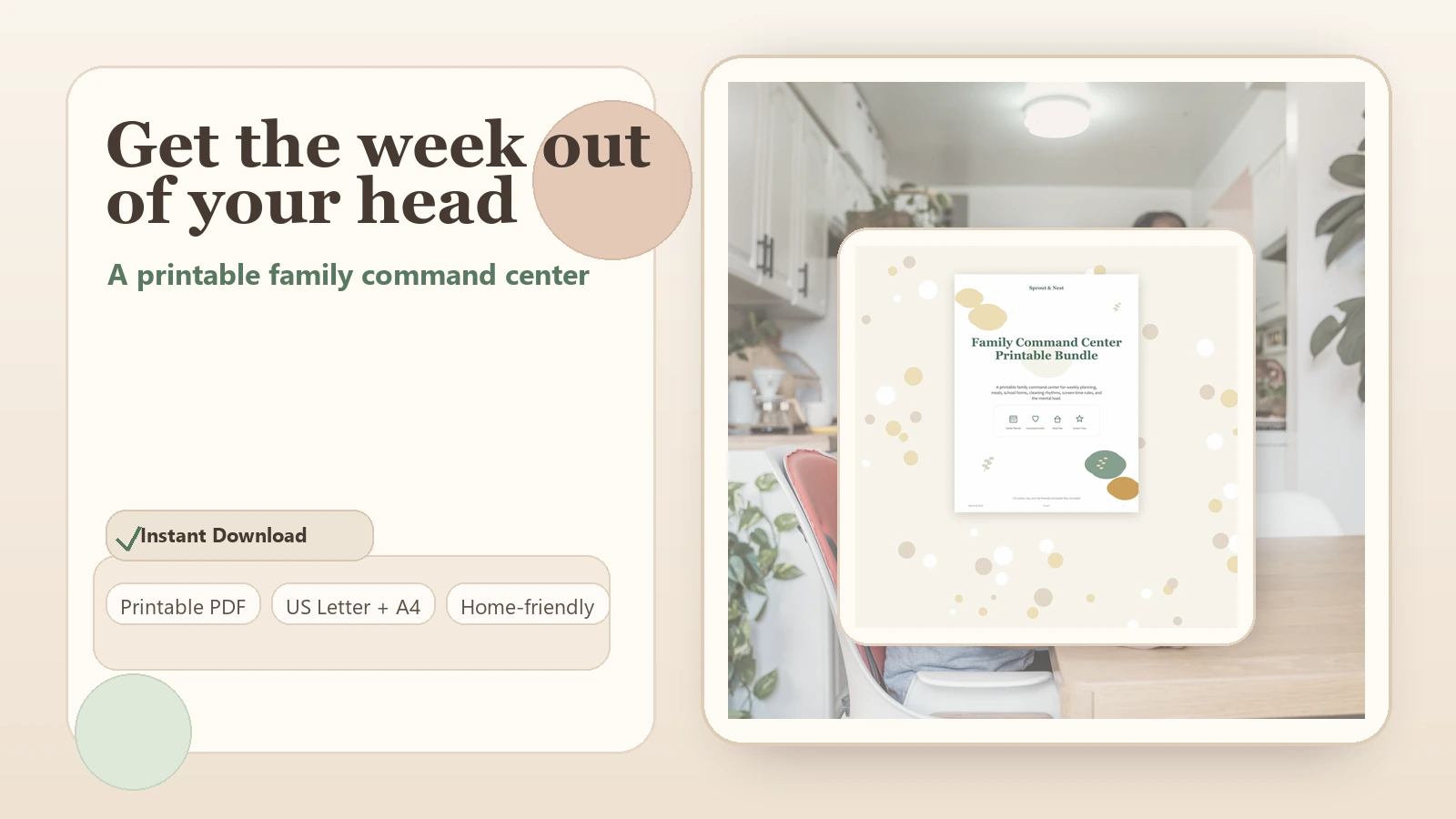
After the four-zone test works, the Family Command Center Printable Bundle can provide a reusable weekly view, paper flow, and launch pages. Print only the pieces assigned to an existing zone.
Frequently asked questions
Where should a family command center go?
Place it where papers and bags enter the home and where someone already pauses daily. Visibility and reach matter more than wall size.
What should not be displayed?
Keep passwords, financial information, detailed medical information, legal records, and other sensitive material in secure storage.
Can it work in a small apartment?
Yes. A clipboard, wall pocket, hook, and small basket can perform the four functions without a dedicated wall.
How often should it be updated?
Use one predictable weekly review and a short midweek change check. Update urgent changes when they arrive, but avoid constant redesign.