Quick answer: Plan the end of screen time before the device turns on. Agree on the stopping point, turn off autoplay when possible, give a warning the child understands, and name the first offline action. If the child becomes upset, hold the limit with fewer words and help them move safely through the feeling rather than reopening the negotiation.
The timer rings at the most exciting part of a game. A video rolls straight into the next one. The adult says “off now,” while the child hears an abrupt demand to abandon a world designed to keep attention. The limit may still be necessary; the handoff needs more structure.
This plan improves the transition around media; it does not mean every protest will disappear.
Decide the boundary before pressing play
Use an ending the child can recognize. “Twenty minutes” works only when time is meaningful and visible. Other stopping points may be one episode, one game round, the end of a saved level, or the timer plus a final minute to save work.
State four pieces before the screen starts:
- What: the agreed app, game, or program.
- How it ends: a clock time, timer, episode, or turn.
- Who closes it: the child, adult, or device control.
- What follows: one specific offline action.
Example: “One episode. I will tell you when five minutes remain. You will turn it off after the credits, then snack is at the table.”
The American Academy of Pediatrics’ family media planning guidance encourages families to set rules that fit their routines and values, create screen-free times or places, and revisit the plan as children grow.
Remove design surprises where you can
Autoplay, notifications, endless feeds, and multiplayer games can make a planned stop harder to see. Before the session:
- turn off autoplay and nonessential notifications;
- choose content with a natural ending;
- avoid beginning a long round when only a few minutes remain;
- keep the device in a shared space for younger children;
- use built-in controls as backup, not as a surprise punishment.
When a game cannot pause, agree on the last start time rather than waiting until departure to demand an instant exit.
Use a three-part ending
1. Preview
Give a warning matched to the child: a visual timer, a five-minute card, or “this is the last episode.” Warnings help only when they predict the real boundary. Repeatedly extending the session teaches the child that the first warning is not meaningful.
2. Close
Use one familiar script: “Save, close, device on the charger.” Stay close enough to help with the mechanics if needed. Avoid launching a lecture while attention is still on the screen.
3. Land
Move straight into a prepared action: wash hands for snack, step outside with the dog, choose blocks at the table, or carry the device to its charging place. “Go find something else” creates another demanding decision at the hardest point.
What to do when the child is already melting down
Keep the device limit and the emotional response as two separate issues. The screen can remain finished while the child receives help with disappointment.
- Secure the device without snatching or threatening when a safer option is available.
- Reduce language: “You wanted more. Screen time is finished.”
- Block unsafe behavior and move siblings or objects if needed.
- Offer one form of support: water, proximity, movement, or a familiar calm space.
- Discuss the plan later, not at the peak of the reaction.
The AAP’s age-based 5 C’s guidance for toddlers and preschoolers asks families to notice how children calm emotions and whether media is displacing other ways of regulating. A calm down corner can provide one practiced offline landing place, but it should not be used as punishment for wanting more screen time.
Three examples for common screen conflicts
A preschooler watching short videos
The adult turns off autoplay, selects one program, and shows a card with “show → snack.” When the credits begin, the adult says, “The show is finished. Carry the cup to the table.” If the child cries, the adult keeps the sequence and stays nearby rather than offering another video to stop the crying.
A school-age child playing a game
The plan uses a “last round begins” alarm fifteen minutes before dinner. The child finishes the round, saves, and places the controller on its shelf. If the round cannot end by dinner, the next session starts earlier; dinner does not become a daily moving deadline.
A child asking for a screen immediately after school
The family tests a twenty-minute screen break after snack, with homework check and backpack reset shown afterward. They compare it with a week of movement first. The after-school routine guide helps families choose the first step based on the child’s actual arrival pattern.
Use tokens carefully
A token can make a screen session count visible: one token equals one agreed session, and the token moves before the device starts. It should not turn every ordinary responsibility into a price or allow an unlimited bank of late-night use.
Define:
- when tokens are available;
- what one token covers;
- whether unused tokens carry over;
- which times and places stay screen-free;
- what happens when the device is needed for school.
If token math creates more arguments than the original limit, use a fixed schedule or a simple before-device checklist instead.
Why the transition plan may fail
The stopping point is vague. Replace “a little while” with an event the child can see.
Every warning becomes another bargain. Give fewer warnings and follow the agreed ending consistently.
The next activity feels like a penalty. Do not follow every screen session with the child’s least preferred chore. Use a neutral landing step, then return to the normal routine.
The content has no natural pause. Change the content, platform settings, or start time. A better script cannot remove endless design.
The adult’s phone remains active at the table. Apply shared screen-free places where possible. Children notice when the family rule belongs only to them.
The plan is too elaborate. Use one boundary, one warning, and one landing action before adding charts, tokens, and controls.
Look beyond the final five minutes
A recurring intense reaction may be affected by hunger, sleep, the type of content, when the session occurs, social conflict inside a game, or a day already filled with demands. Track those details for a week. The AAP’s 2026 discussion of children in a digital world recommends considering what media crowds out, including sleep, play, reading, exercise, and family time.
If reactions are severe, involve repeated aggression or self-harm, disrupt sleep or school, or do not improve with ordinary support, talk with a pediatrician or other qualified professional. Media limits are a family decision; intense distress deserves an individualized look.
Optional printable support
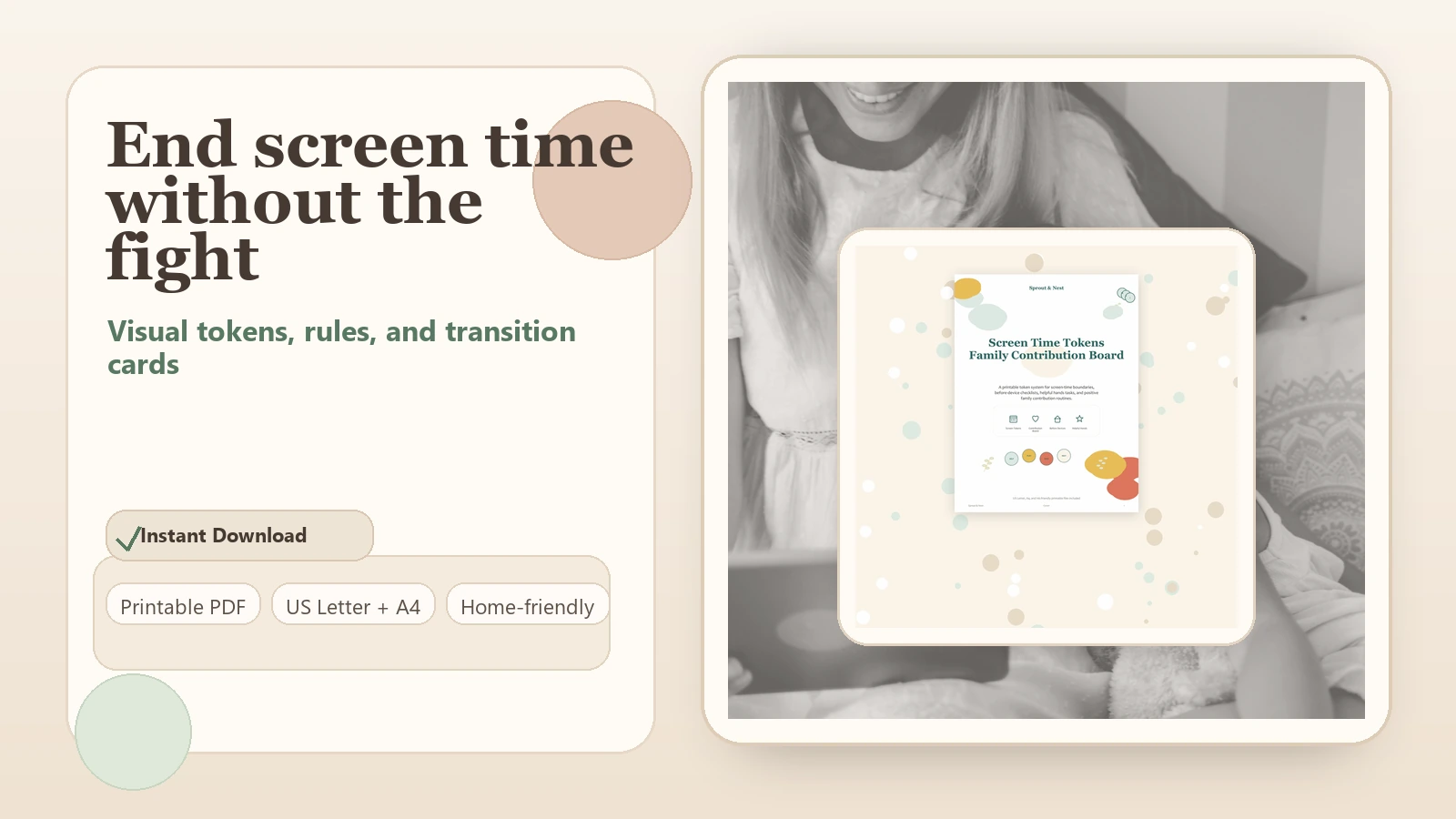
Write the rule and landing action on paper first. If the child uses the visual, the Screen Time Tokens and Family Contribution Board can make sessions visible. The Before Devices Checklist is a simpler option when the main dispute is what happens before a device starts. For a child who needs shorter transition blocks across the day, see the ADHD-friendly routine system.
Frequently asked questions
How much warning should I give?
Use a warning the child can understand and that matches the activity. Five minutes may suit a short video; a game may need a “last round begins” cue. More warnings are not always better.
Should I take the device away during a meltdown?
The agreed session can end without turning removal into a threat. Prioritize safety, use the planned closing routine, and avoid arguing over future access while the child is highly upset.
Are screen-time tokens a reward system?
They can function as a simple way to show available sessions. Keep the rules clear and limited. If tokens make ordinary family life transactional, a fixed media window may work better.
What if parental controls shut the screen off abruptly?
Use controls as a reliable backstop while still giving a human preview. Whenever possible, help the child save or reach a natural stopping point before the automatic cutoff.